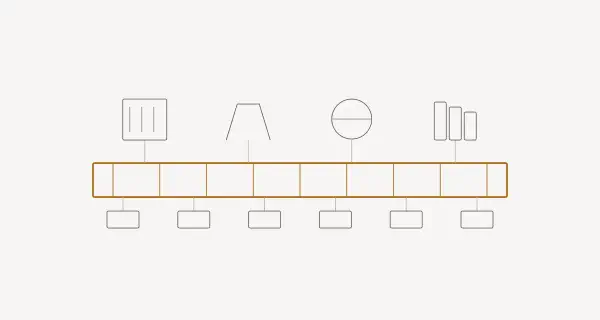
Every factory I’ve worked in has the same problem: data is everywhere, but accessible nowhere. The historian speaks SQL. The MES has a SOAP API. The SCADA system uses OPC-UA. The new IoT platform wants REST. Connecting all of them means writing custom adapters for each combination — and maintaining them forever.
i3x changes this. It’s an open REST API specification that gives you one interface to all manufacturing data, regardless of what platform stores it. I built a Node-RED integration for it, and in this post I’ll explain what i3x is, how it works, and why it matters.
Note (updated August 2026): this post was written while i3x was in public beta in early 2026. CESMII has since released version 1.0, so some payloads and endpoint details below may lag the released specification. The Node-RED integration tracks the spec — always check the official i3x docs and the live OpenAPI definition for the authoritative, current shape.
The Data Silo Problem#
A typical manufacturing IT landscape looks something like this:
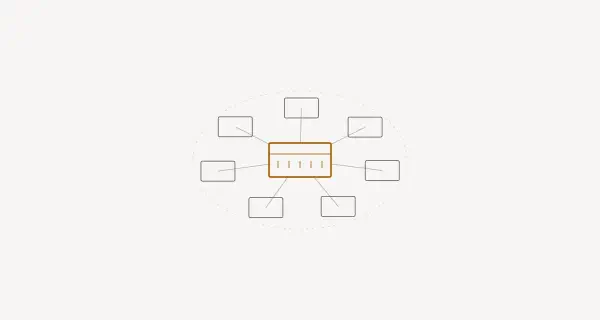
Now imagine adding a fourth data source. Or a fifth. Each new connection multiplies the integration effort. This is the N×M problem — N data sources times M consuming applications.
What is i3x?#
i3x is an open REST API specification developed by CESMII (the Smart Manufacturing Institute). It defines a standard way to:
- Browse the information model (what data exists?)
- Read current values (what’s the temperature right now?)
- Write values back (set a new target temperature)
- Query history (what was the temperature over the last 24 hours?)
- Subscribe to changes (tell me when the temperature changes)
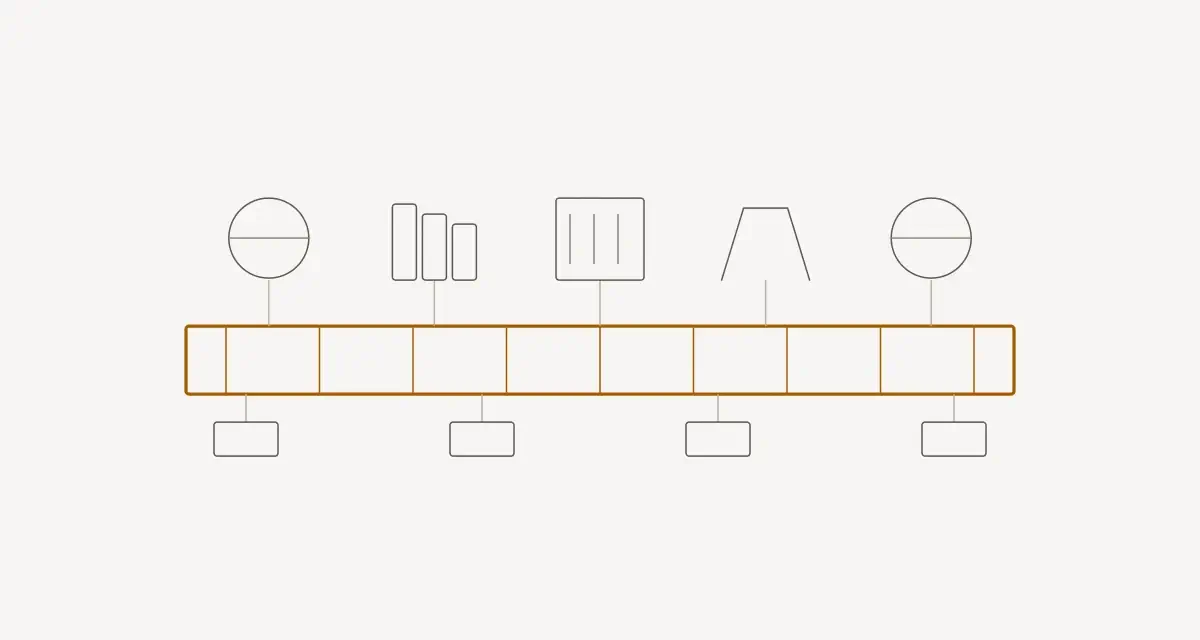
The key insight: i3x sits between your applications and your data sources as a unified abstraction layer.
The Information Model#
i3x organizes manufacturing data in a hierarchical model with four key concepts:
Namespaces#
Top-level organizational containers — think of them as databases:
GET /v1/namespaces

[
  {
    "id": "ns-plant-munich",
    "name": "Munich Plant",
    "description": "Production facility Munich"
  },
  {
    "id": "ns-plant-berlin",
    "name": "Berlin Plant",
    "description": "Assembly facility Berlin"
  }
]
i3x exposes its resources as flat collections under /v1/ — GET /namespaces, GET /objecttypes, GET /objects — rather than deeply nested paths. You filter and select with query parameters or, for bulk/value/history operations, with a POST body. (The example response payloads in this post are illustrative; check the live OpenAPI definition at the official docs for the exact field names and shapes.)
Object Types#
Templates that define the structure of real-world things. Fetch them with GET /objecttypes (filterable by namespace):
GET /v1/objecttypes

[
  {
    "id": "type-cnc-machine",
    "name": "CNC Machine",
    "attributes": [
      { "name": "SpindleSpeed", "dataType": "Float", "unit": "RPM" },
      { "name": "ToolWear", "dataType": "Float", "unit": "percent" },
      { "name": "Status", "dataType": "String", "enum": ["Running", "Idle", "Error"] },
      { "name": "PartsProduced", "dataType": "Integer", "unit": "count" }
    ]
  }
]
Objects (Instances)#
The actual machines, sensors, or equipment based on a type. List them with GET /objects (filterable by type or root status):
GET /v1/objects?typeId=type-cnc-machine

[
  {
    "id": "inst-cnc-001",
    "name": "CNC Mill #1",
    "type": "type-cnc-machine",
    "location": "Hall A, Line 1"
  },
  {
    "id": "inst-cnc-002",
    "name": "CNC Mill #2",
    "type": "type-cnc-machine",
    "location": "Hall A, Line 1"
  }
]Values#
The actual data — current readings from an object. i3x serves current values through a POST /objects/value call that takes the target object IDs (and optional composition depth) in the request body, rather than a per-object GET path:
POST /v1/objects/value
{ "ids": ["inst-cnc-001"] }

{
  "SpindleSpeed": { "value": 2450.0, "quality": "Good", "timestamp": "2026-03-05T10:30:00Z" },
  "ToolWear": { "value": 34.2, "quality": "Good", "timestamp": "2026-03-05T10:30:00Z" },
  "Status": { "value": "Running", "quality": "Good", "timestamp": "2026-03-05T10:28:15Z" },
  "PartsProduced": { "value": 1847, "quality": "Good", "timestamp": "2026-03-05T10:30:00Z" }
}
Practical Examples with Node-RED#
I built node-red-contrib-i3x to make i3x accessible in Node-RED’s visual programming environment. Here are real-world usage patterns.
Example 1: Real-Time Machine Dashboard#
Read current values from all CNC machines and display them on a dashboard:
[
  {
    "id": "i3x-browse",
    "type": "i3x-browse",
    "config": {
      "namespace": "ns-plant-munich",
      "filter": { "type": "type-cnc-machine" }
    }
  },
  {
    "id": "i3x-read",
    "type": "i3x-read",
    "config": {
      "attributes": ["SpindleSpeed", "ToolWear", "Status"]
    }
  },
  {
    "id": "dashboard-table",
    "type": "ui-table",
    "config": {
      "columns": ["Machine", "Speed (RPM)", "Tool Wear (%)", "Status"]
    }
  }
]
The flow:
- Browse — discover all CNC machine instances
- Read — get current values for each machine
- Display — show on a dashboard table
Example 2: Historical Trend Analysis#
Query the last 7 days of spindle speed data for predictive maintenance. Under the hood this maps to a POST /objects/history call that takes the object IDs and time range in the request body:
i3x Historical Query Node:
  Namespace:  ns-plant-munich
  Instance:   inst-cnc-001
  Attribute:  SpindleSpeed
  Time Range: -7d          ← relative time format
  Interval:   1h           ← aggregate per hour
  Aggregate:  average
Response:
{
  "attribute": "SpindleSpeed",
  "data": [
    { "timestamp": "2026-02-26T00:00:00Z", "value": 2420.5 },
    { "timestamp": "2026-02-26T01:00:00Z", "value": 2435.2 },
    { "timestamp": "2026-02-26T02:00:00Z", "value": 2418.9 },
    ...
  ]
}
The time range supports multiple formats:
- Relative:
-7d,-24h,-30m - ISO 8601:
2026-02-26T00:00:00Z - Mixed: Start with ISO, end with relative
Example 3: Live Subscriptions with SSE#
Subscribe to value changes without polling. In i3x this is a small workflow: you create a subscription with POST /subscriptions, add objects to it with POST /subscriptions/register, then either open the SSE stream with POST /subscriptions/stream (Server-Sent Events) or pull queued updates with POST /subscriptions/sync. The i3x Node-RED node handles this handshake for you, defaulting to SSE with a fallback to polling:
i3x Subscribe Node:
  Namespace:  ns-plant-munich
  Instance:   inst-cnc-001
  Attributes: [SpindleSpeed, ToolWear, Status]
  Mode:       SSE (auto-fallback to polling at 5s)
When the spindle speed changes, the node emits:
{
  "event": "value-change",
  "instance": "inst-cnc-001",
  "attribute": "SpindleSpeed",
  "value": 2510.3,
  "previousValue": 2450.0,
  "timestamp": "2026-03-05T10:31:42Z"
}
Example 4: Writing Setpoints Back#
i3x is not read-only. You can write values back to the source system — perfect for recipe management or remote control:
i3x Write Node:
  Namespace:  ns-plant-munich
  Instance:   inst-cnc-001
  Attribute:  SpindleSpeed
  Value:      msg.payload.targetSpeed
A practical flow: Operator selects a recipe on a dashboard → Node-RED reads recipe parameters from a database → i3x write node pushes setpoints to the machine.
Authentication & Security#
i3x supports multiple authentication methods, configured once in the connection node:
| Method | Use Case |
|---|---|
| None | Development, local testing |
| Basic Auth | Simple username/password |
| Bearer Token | OAuth2, JWT-based systems |
| API Key | Platform-specific integrations |
All connections support TLS/SSL with custom CA certificates for enterprise environments.
i3x Connection Node:
  Host:     https://i3x.factory.local
  Auth:     Bearer Token
  Token:    ${I3X_TOKEN}     ← environment variable
  TLS:      Enabled
  CA Cert:  /certs/factory-ca.pem
  API Ver:  v1
i3x vs Other Approaches#
| OPC-UA | MQTT + Custom | i3x | |
|---|---|---|---|
| Protocol | Binary (TCP) | Binary (TCP) | REST (HTTP) |
| Data Model | Rich, complex | None | Structured, simple |
| Historical Data | Built-in | External DB needed | Built-in queries |
| Learning Curve | Steep | Low (protocol), High (data model) | Low |
| Firewall Friendly | Port 4840 | Port 1883/8883 | Port 443 (HTTPS) |
| Browsing | Yes | No | Yes |
| Write-back | Yes | Yes | Yes |
| Subscriptions | Yes (native) | Yes (native) | SSE + polling |
| Best for | OT/PLC layer | Edge telemetry | IT/application layer |
The key difference: i3x is not a replacement for OPC-UA or MQTT at the device level. It’s an abstraction layer on top. Your historian might use OPC-UA to collect PLC data, and i3x sits on top to expose that data through a simple REST API to dashboards, analytics, and ML pipelines.
API Coverage#
The Node-RED i3x integration covers 18 API endpoints:
| Category | Endpoints |
|---|---|
| Exploration | List namespaces, browse object types, list instances, get relationships |
| Reading | Current values, batch reads, filtered queries |
| Writing | Single writes, batch writes |
| History | Time-range queries, aggregated data, relative time formats |
| Subscriptions | Create/delete subscriptions, SSE streaming, polling fallback |
Getting Started#
Install the Node-RED module:
cd ~/.node-red
npm install node-red-contrib-i3x
Then in Node-RED:
- Add an i3x connection node — configure the API endpoint and authentication
- Drop an i3x browse node — discover what’s available
- Connect an i3x read node — start pulling data
- Wire it to a dashboard, database, or NATS/MQTT publisher
The module includes example flows that demonstrate all major patterns. Import them from the Node-RED menu: Import → Examples → node-red-contrib-i3x.
Conclusion#
Manufacturing data integration shouldn’t require an army of middleware developers. i3x provides a clean, REST-based abstraction that turns the N×M integration nightmare into a manageable 1×M problem. Combined with Node-RED, you can go from “I want to see machine data on a dashboard” to a working prototype in under an hour.
The manufacturing industry is slowly moving from proprietary silos to open standards. i3x is one of the most practical steps in that direction — not because it replaces existing protocols, but because it gives them a common language that any modern application can understand.